Appearance
Get the figures for QuickBooks
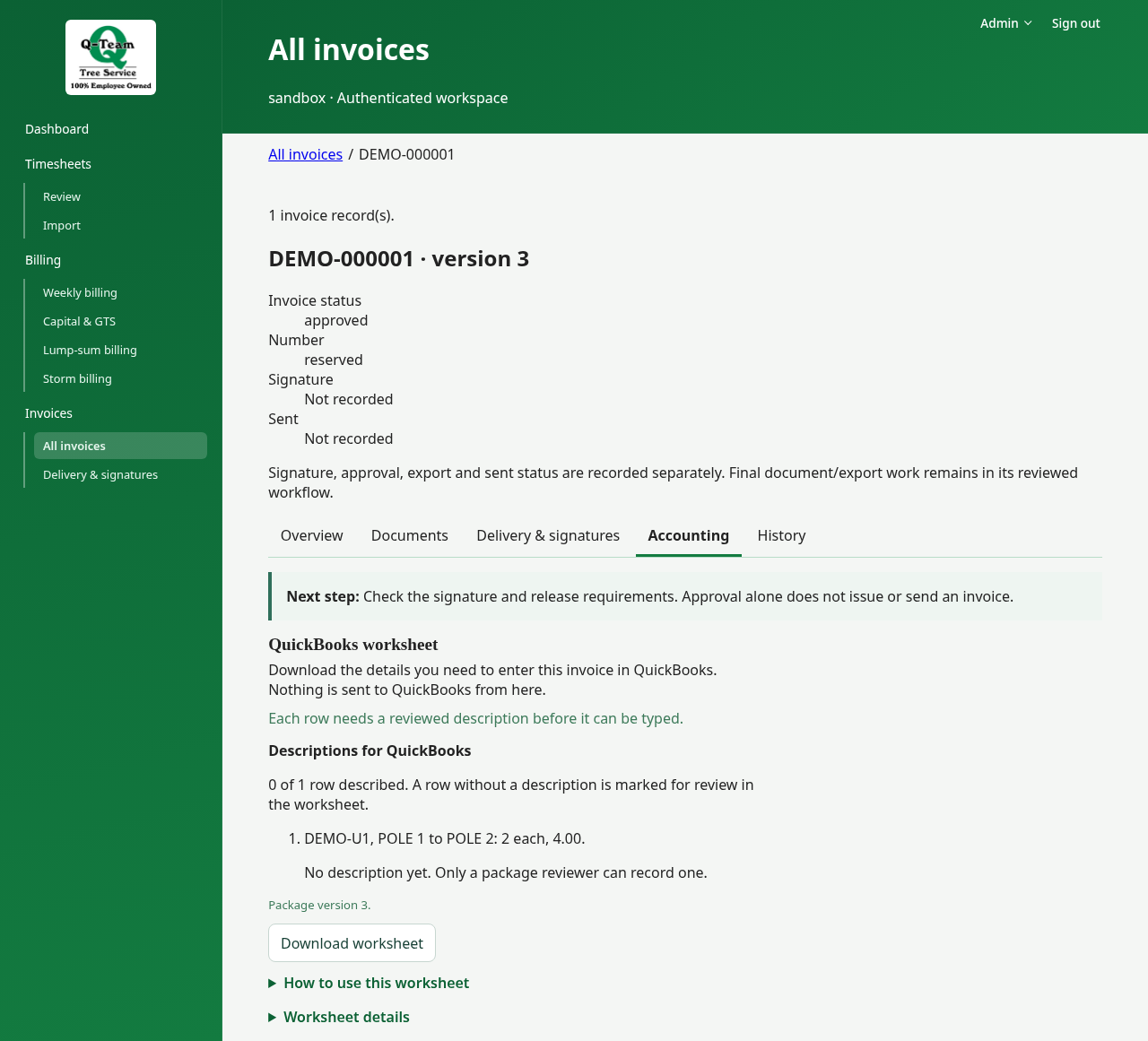
Q-Team gives you a worksheet for manual entry. It does not post to QuickBooks, track payments or match them to bills.
The pictures show a QuickBooks exporter account.
Check the worksheet
Open an invoice in All invoices, then choose Accounting. Find QuickBooks worksheet and check the number, date, job, description and amounts against the issued invoice.
Each row needs a description before it can be typed into QuickBooks. Only a Billing reviewer can record one. Enter wording you can support. In Evidence reference, say where that wording came from. This does not change the priced work or rewrite the issued files.
If the invoice changes, check the description again. An earlier review may no longer apply.
Practice only
Download and compare. Do not enter these bills in live QuickBooks. Tell Ben and Bill which fields you would copy and what is missing.
Invoice tracker
Use the tracker download if offered. Check what each status means: prepared, signed, sent and entered in accounting are different facts. A tracker row does not prove payment.