Appearance
Prepare Storm billing
Billing → Storm billing
A Major Storm (X) case has weekly support and a final bill. These are separate steps.
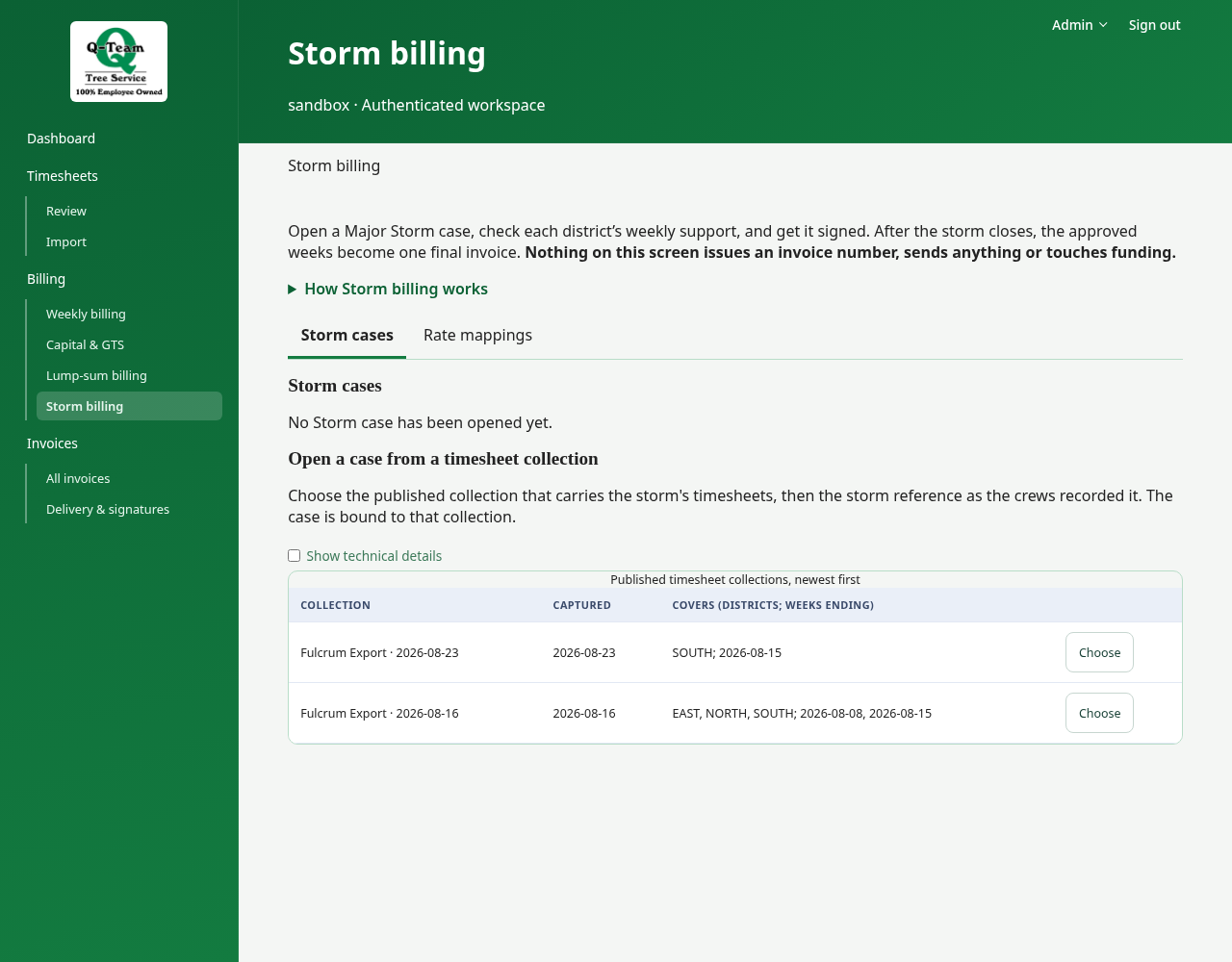
1. Open a case
Use an existing practice case. The case opens on Overview; choose Districts & weeks to declare coverage or open a week. Source timesheets holds later imports, and History shows recorded actions. Check the storm reference and the districts and weeks it should cover. A missing week's work still needs to be accounted for.
The storm number identifies the event. It is not a PO approval.
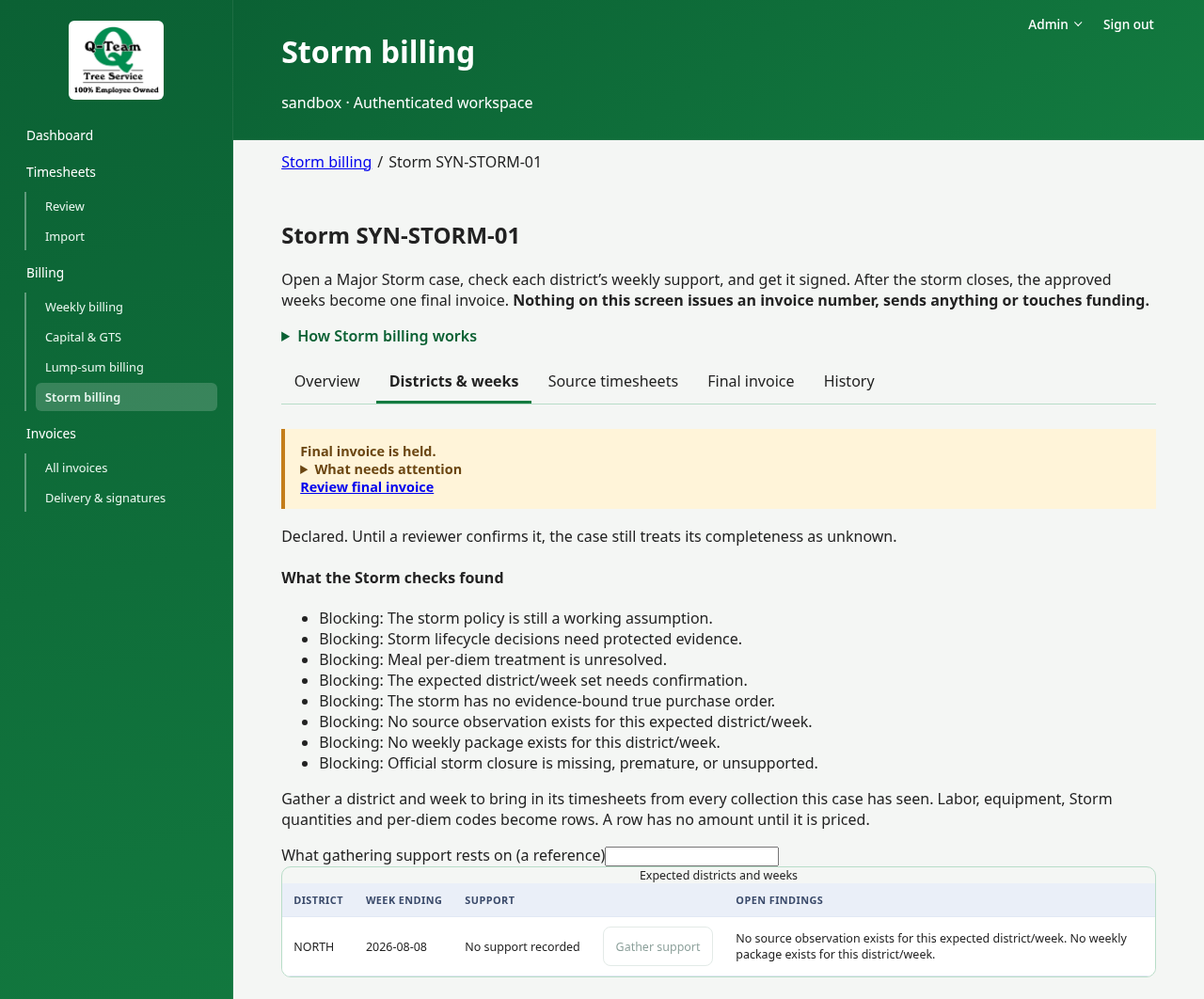
2. Check a district and week
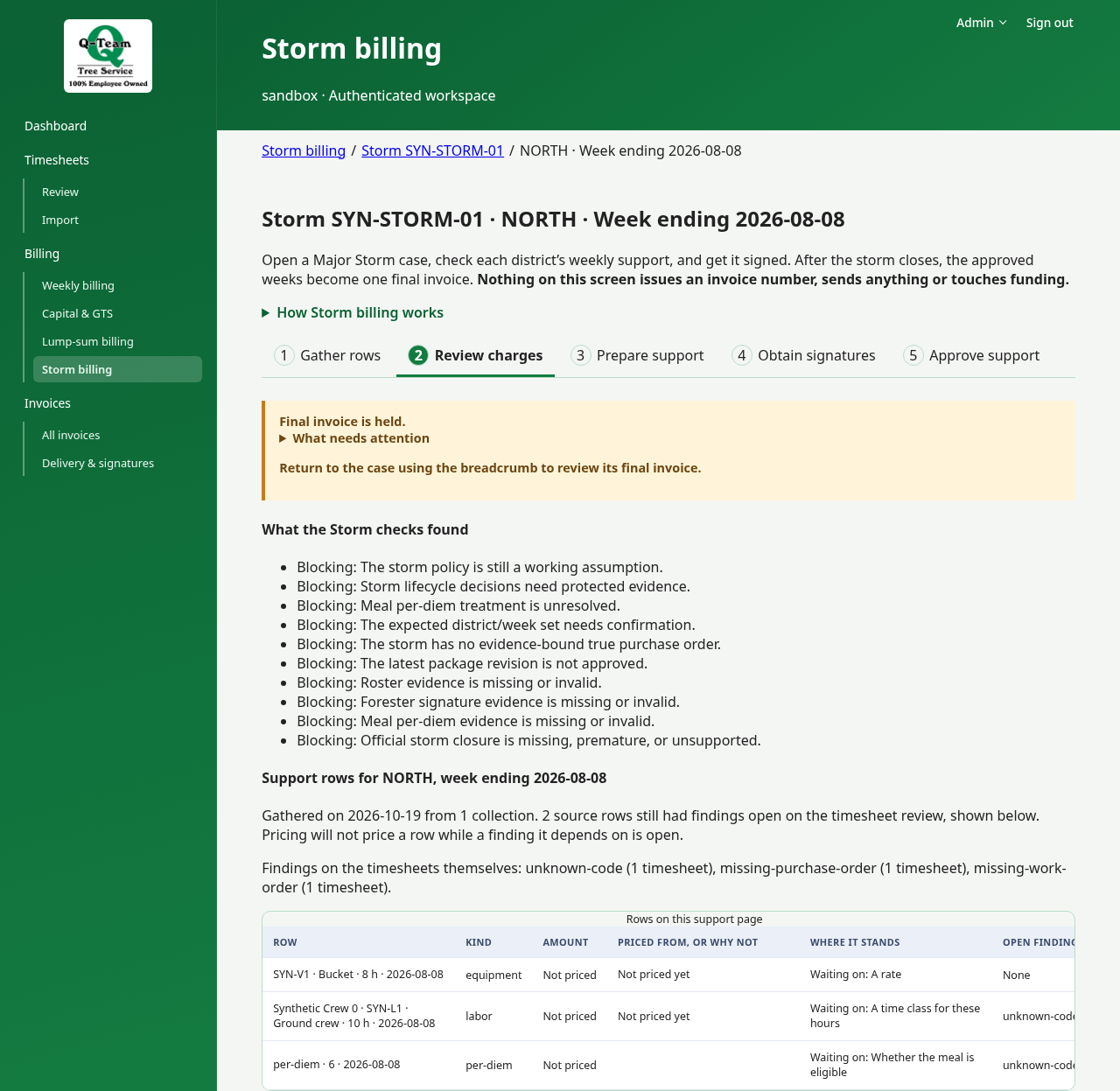
Open its weekly support with Show rows. Use Gather rows → Review charges → Prepare support → Obtain signatures → Approve support to focus on one task at a time. Gathering has already created this support record; selecting a step does not submit or approve anything. Check the work, labor, equipment, crew list and daily allowances (per diem), where used. Read any holds. A person added in timesheet review holds that support until the addition is withdrawn.
Prepare the support package when allowed. Check its files and version.
3. Check the signed return
Go to Delivery & signatures. Check that the return matches that package and has been accepted. For practice, use only marked test simulations.
If support changed, the old signature does not sign the new version.
4. Check the final bill
Return through the case breadcrumb and select Final invoice. Its steps separate closure/order, invoice details, consolidation and number reservation. Check that all required districts, weeks and returns are present. Then check the final amount and funding approval.
Read What holds the invoice back. Before reserving an invoice number, closure must be confirmed and the final PO recorded. These steps need the right account role.
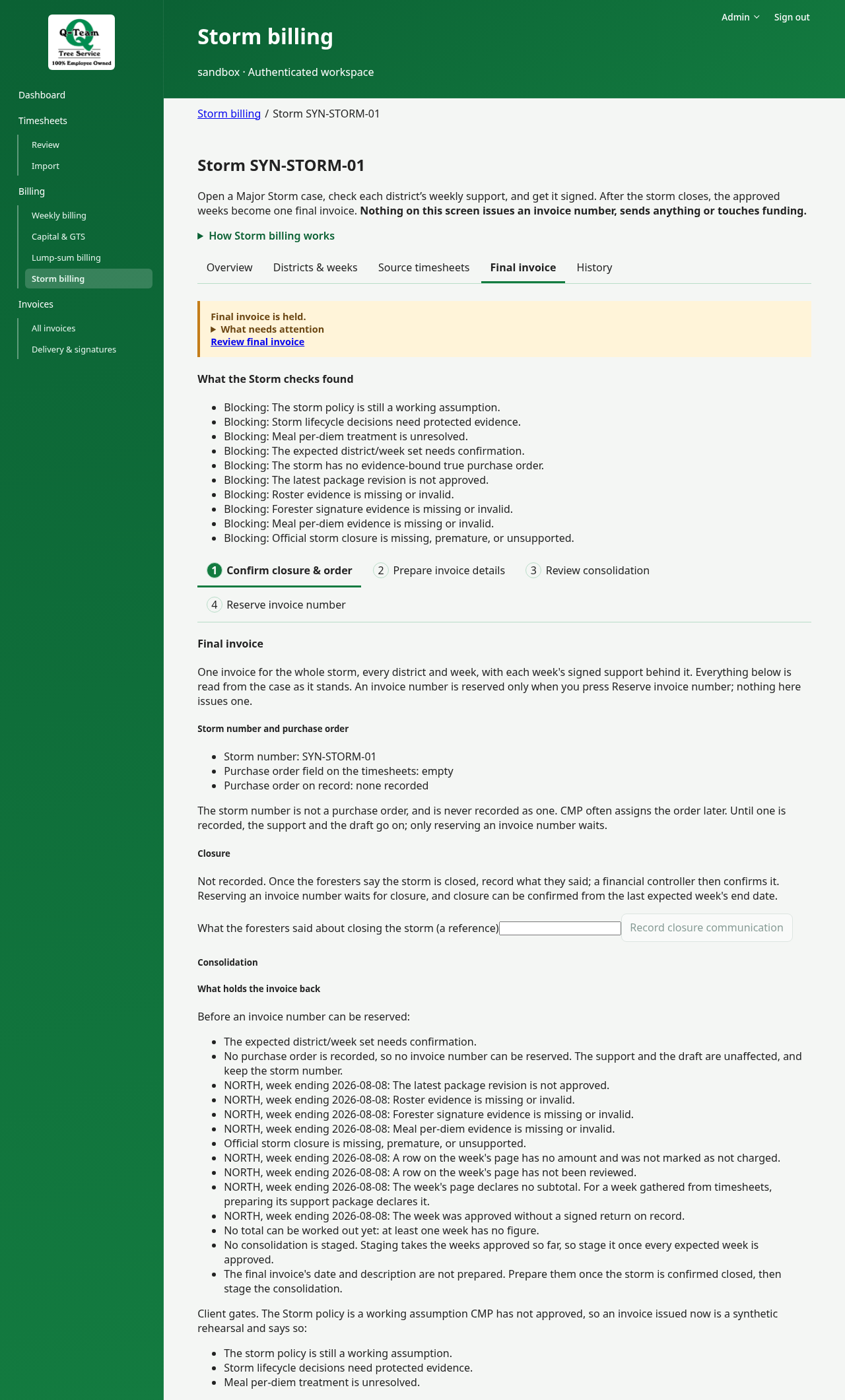
When allowed, choose Save final invoice date and description, then Stage this consolidation. This groups the case for its final bill. Choose Reserve invoice number, then Open the invoice ledger to review the invoice.
A weekly total can be right while the final case is still blocked.
Two different signatures
A district signs its weekly support. Storm Invoicing accepts the final bill. One does not replace the other. The final package keeps links to the exact weekly files and returns it used.