Appearance
Sign in
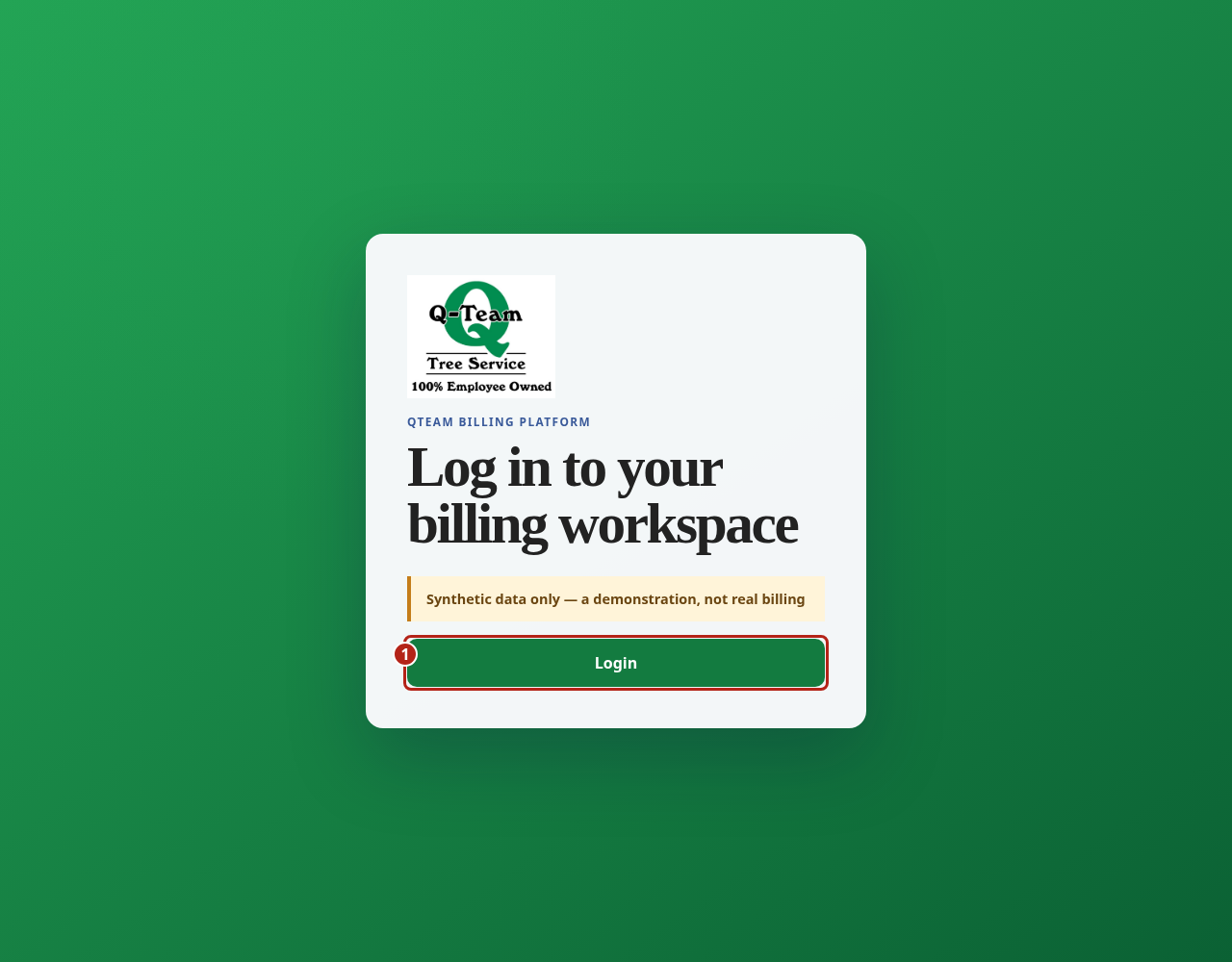
Open Q-Team and choose Login.
First visit
- Use your own account invitation.
- Follow the prompts to set your password and extra sign-in check (MFA).
- Check that the line under each page title starts with sandbox.
No invitation, or an expired one? Ask Ben to send or reset it. Never share your password or sign-in codes in a message or screenshot.
After sign-in
The Dashboard is the usual landing page. Its queue bubbles show shared work and highlight how much your role can act on. An existing bookmark still opens its saved page.
Missing a page or button?
Your account's roles decide which pages and buttons you see. Where an action needs a particular role, this guide names it.
Tell Ben which action you need. Do not use someone else's account.
If your session ends, sign in again. If a save was still pending, follow the app's retry message before starting a new action.