Appearance
Find the rate for a work date
Admin → Billing rates, if shown for your account. The pictures show a Financial controller account.
Open Test a rate for a work-date lookup, or use Rate schedules and choose Load beside a version. Selected versions have Entries, Approval, History and Test a rate views. Check the code, price, dates and approval status.
For Capital work, the rate comes from the day the work was done. It is not based on the day you prepare the bill.
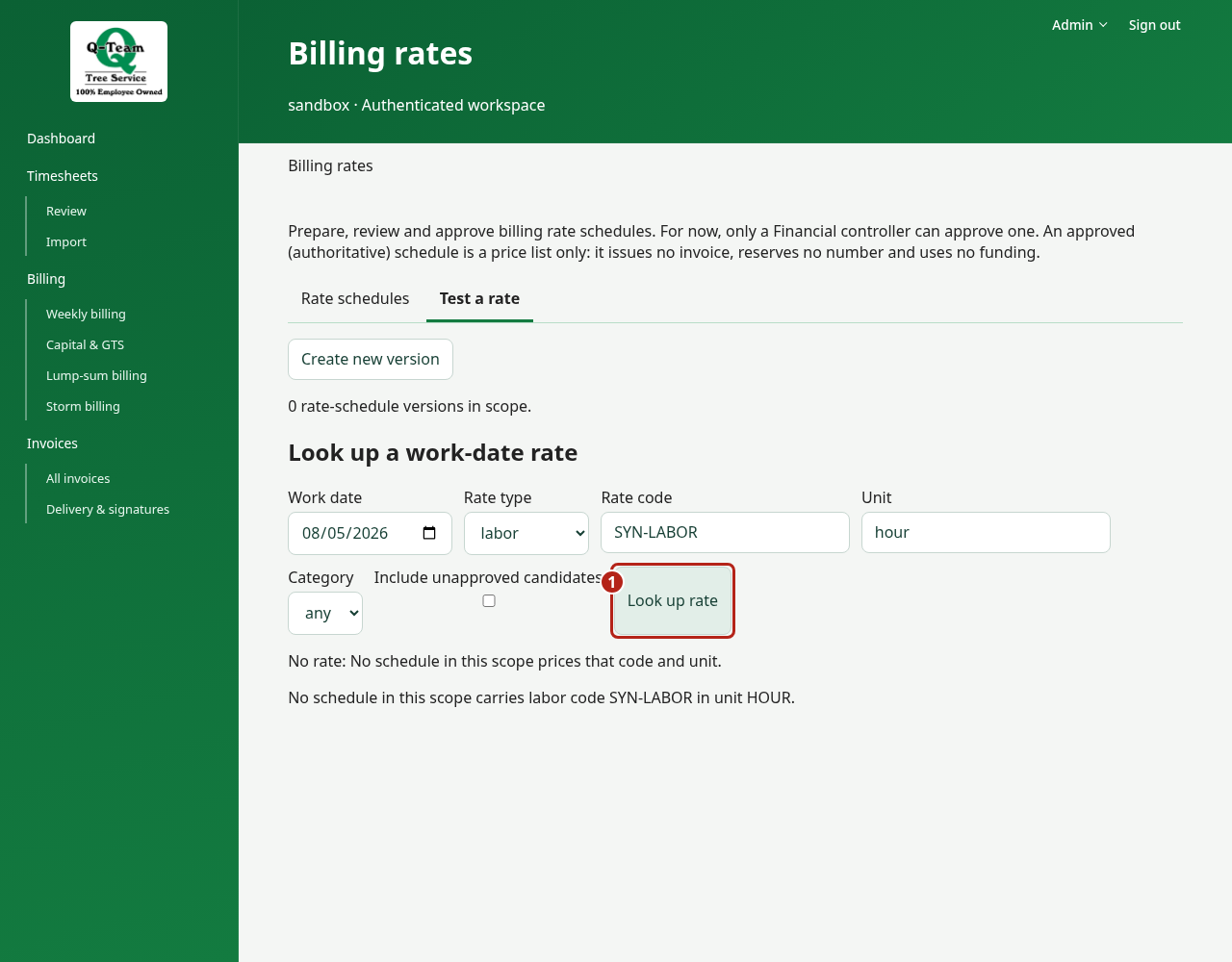
If a price is missing
Leave the hold in place and ask Ben or Bill for the missing rate. A blank price is not zero. Mapping a code does not set its price.
Prepare a rate version
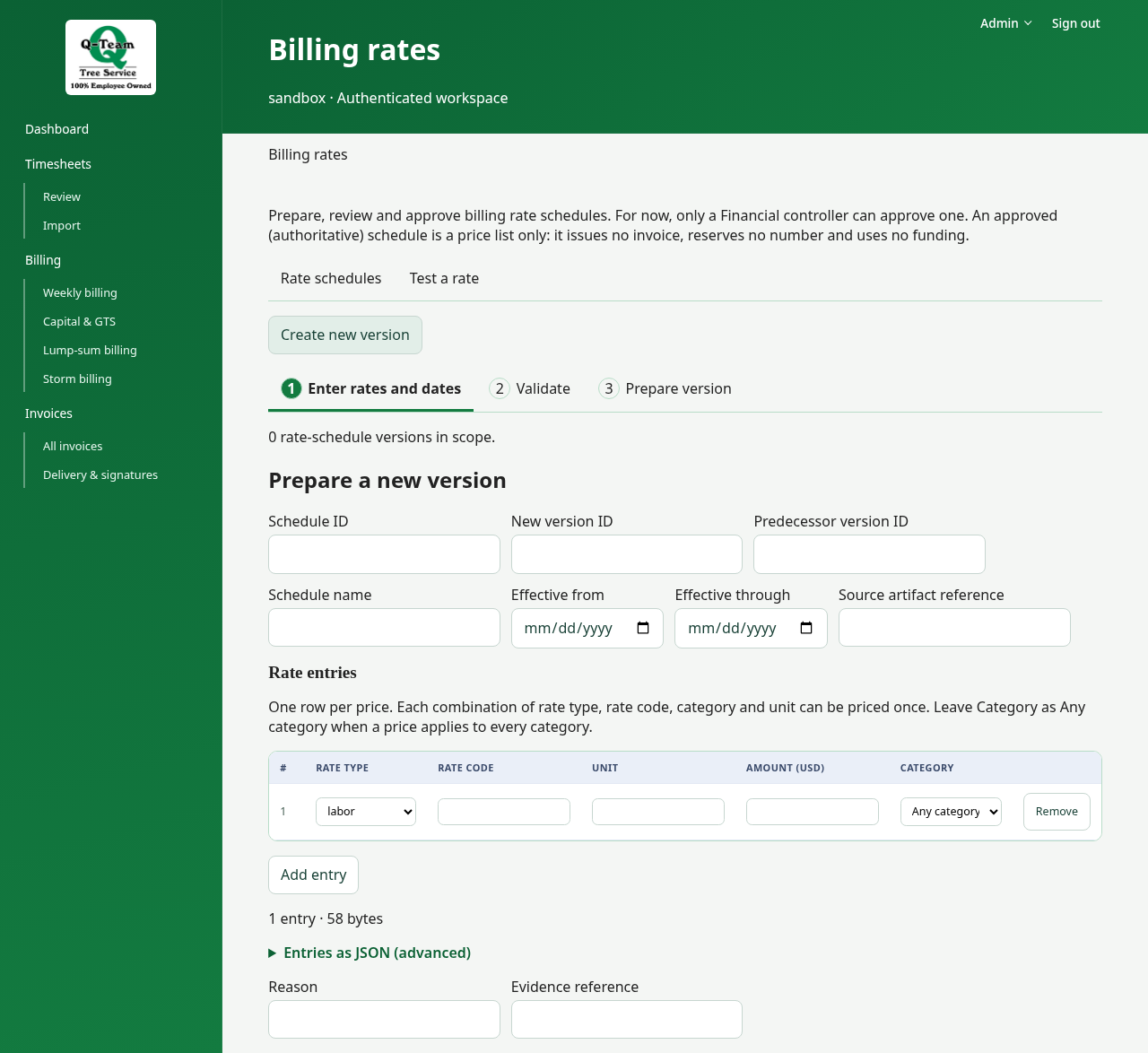
Choose Create new version, then Enter rates and dates → Validate → Prepare version. Preparing saves a draft; submit and approve it from Approval with the existing permissions. Switching views keeps entered work and any retry notice visible.
If a rate changes
A draft may need new math and review. A later rate must not change an old issued invoice.
Practice rates may be temporary. Report any that differ from the contract. Rate changes need proof and the right account role; reading this page does not require changing them.