Appearance
Bill a lump-sum stage
Billing → Lump-sum billing
ML billing uses the agreement and circuit progress, not a total of timesheet hours.
Use Circuits to open a record or Import tracker for the separate workbook task. Inside a circuit, Overview | Progress | Billing stages | Documents | History keep each task in its own view. Billing stages follows Review progress → Review eligible installment → Prepare draft → Submit. These steps organize the work; they do not approve inputs or bypass a hold. Findings and uncertain-save notices stay visible across views.
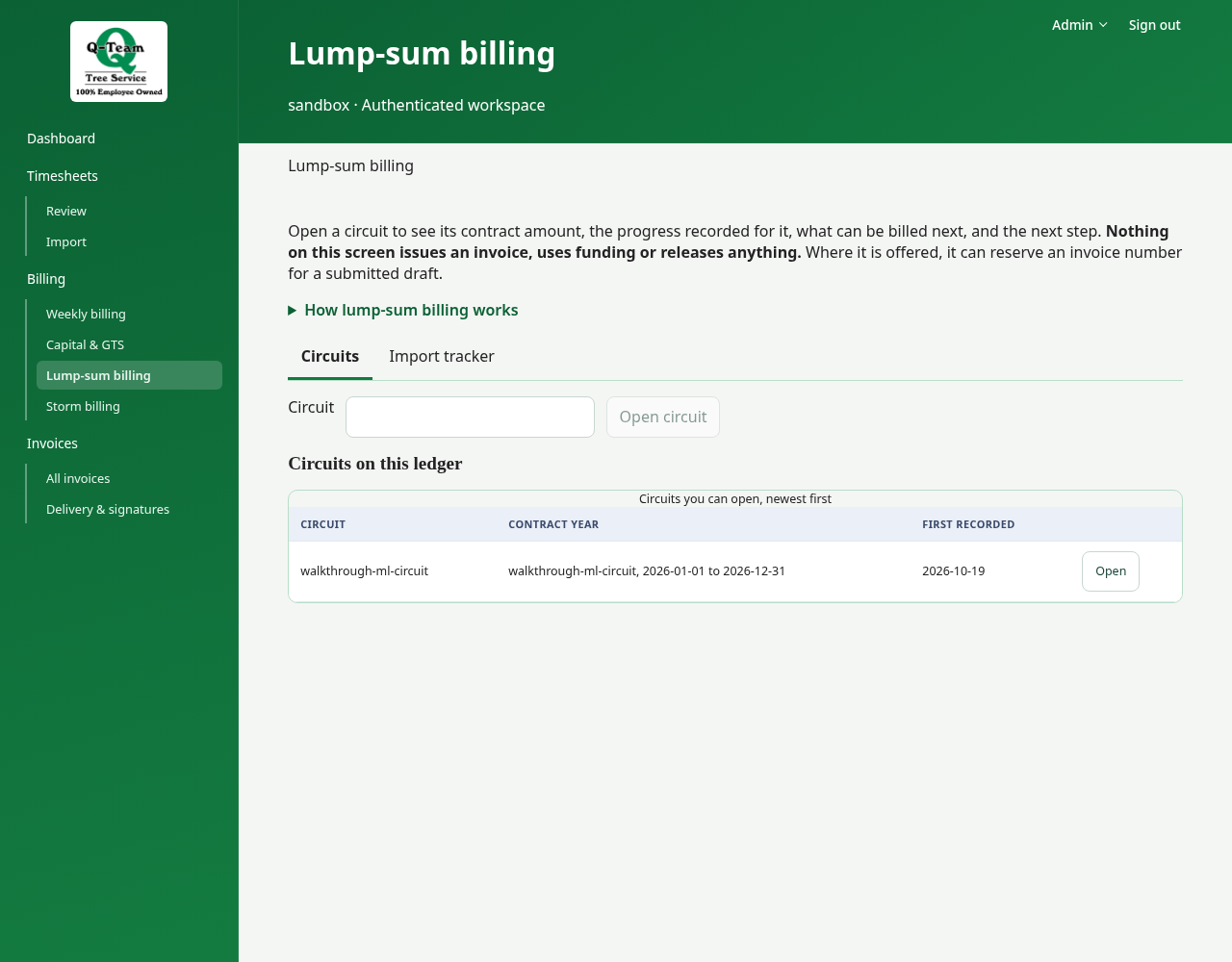
1. Open the circuit
Use an existing practice circuit. Each contract year is its own circuit, so check Contract year in the list and under Where this circuit stands before you open one. Read Where this circuit stands and What is unresolved on Overview, then use Billing stages for drafts.
Check the agreement, funding reference and rules for each stage. Check which stages have already been billed. Start another contract year on Overview opens the separate task that makes a separate circuit for the next year, with its own term, purchase order and stages; do not use it for practice unless Ben or Bill asks.
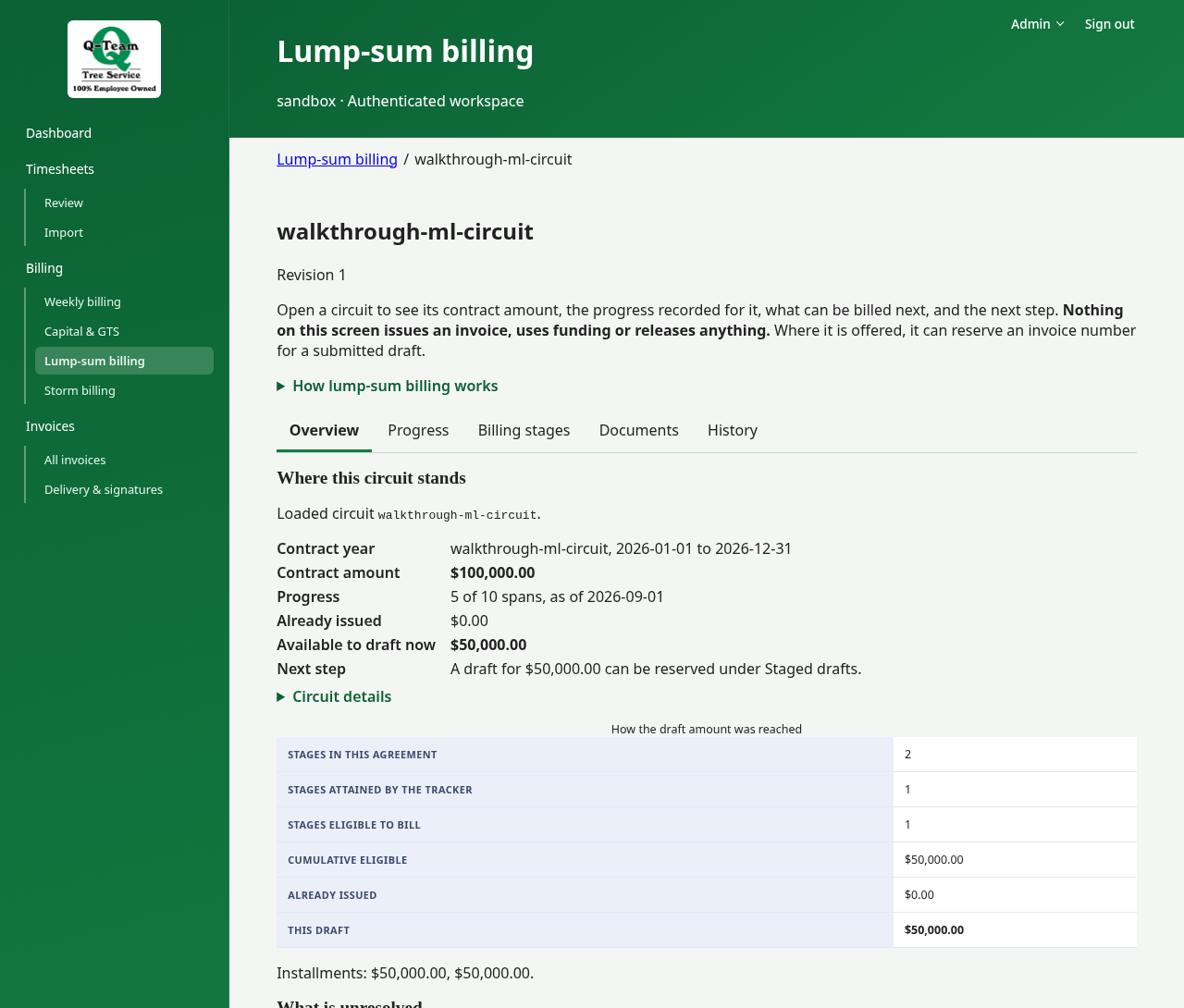
2. Review progress
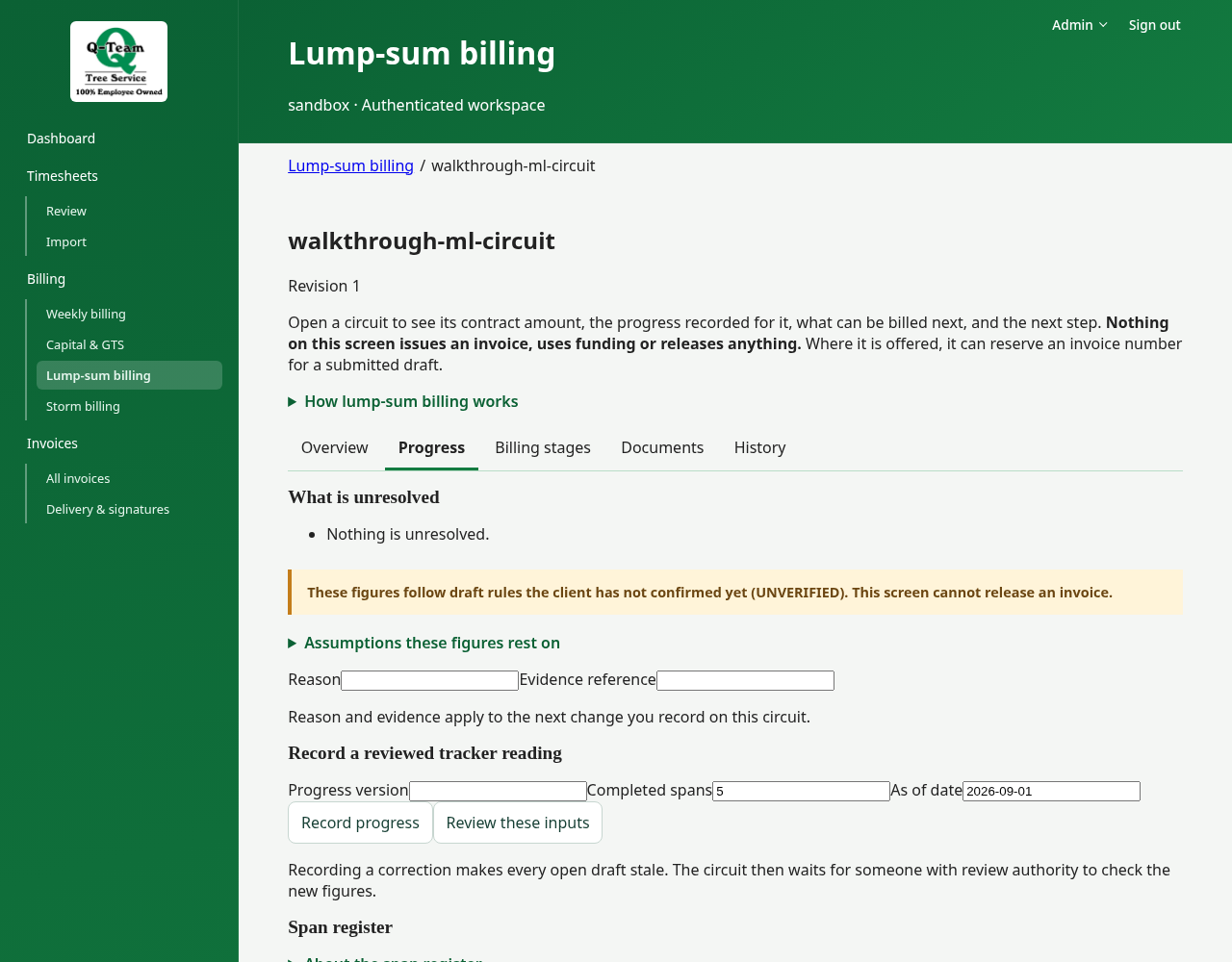
Open Progress and check the progress and the proof behind it. The stage may need completion, rework or forester sign-off records.
A tracker percentage alone does not give you the right to bill that share of the agreement. Record only progress you can support.
Where it is enabled, Span register counts completed spans from imported timesheets. It is for review only: it never changes the progress recorded above. To change progress, use Record a reviewed tracker reading.
3. Prepare the stage draft
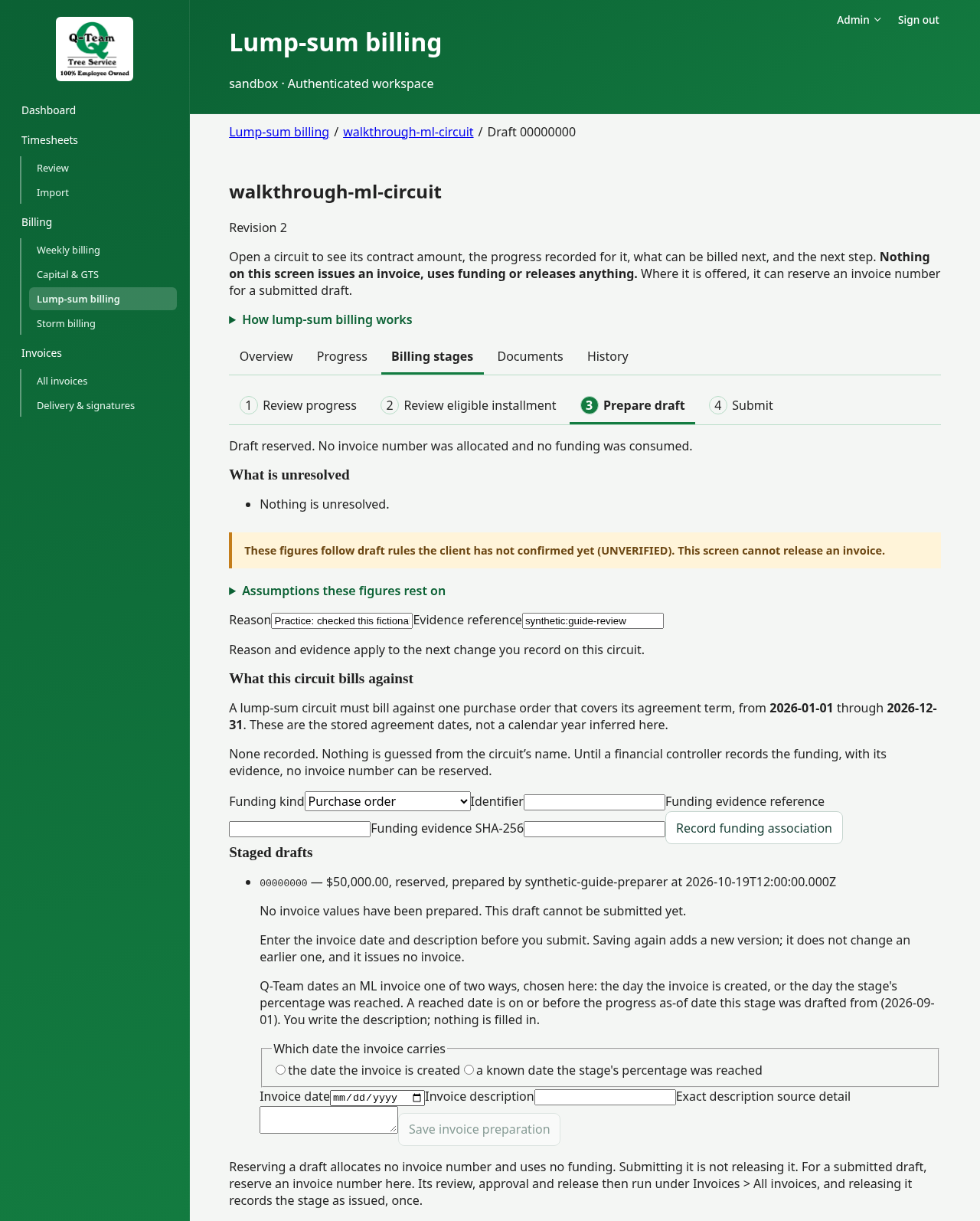
Under Billing stages → Review eligible installment, choose Reserve a draft for… when an amount is available. Check the amount and progress used. This step does not assign an invoice number.
Open the reserved draft and use Prepare draft. Choose the date basis first. Then enter the invoice date, description and its source detail. Choose Save invoice preparation, then open Submit and choose Submit for review. When offered, choose Reserve invoice number; this needs the circuit’s PO recorded first.
Choose Open it in the ledger. Follow the review and document steps.
Tracker imports and delivery
Under Import tracker, use the requested file and read the checks. Importing a tracker does not approve the billing agreement. Avoid importing a second copy for practice. A row marked New contract year starts a separate circuit for that year; nothing an earlier year issued, drafted or recorded carries over.
Delivery needs a reviewed route for the agreement version named in the package. If no route is set, ask Ben or Bill. Other preparation steps may still be possible.