Appearance
Delivery and signed returns
Invoices → Delivery & signatures
The pictures show a QuickBooks exporter account.
This page tracks one package version and the paperwork returned for it. Open a delivery from the list; its breadcrumb returns to the list.
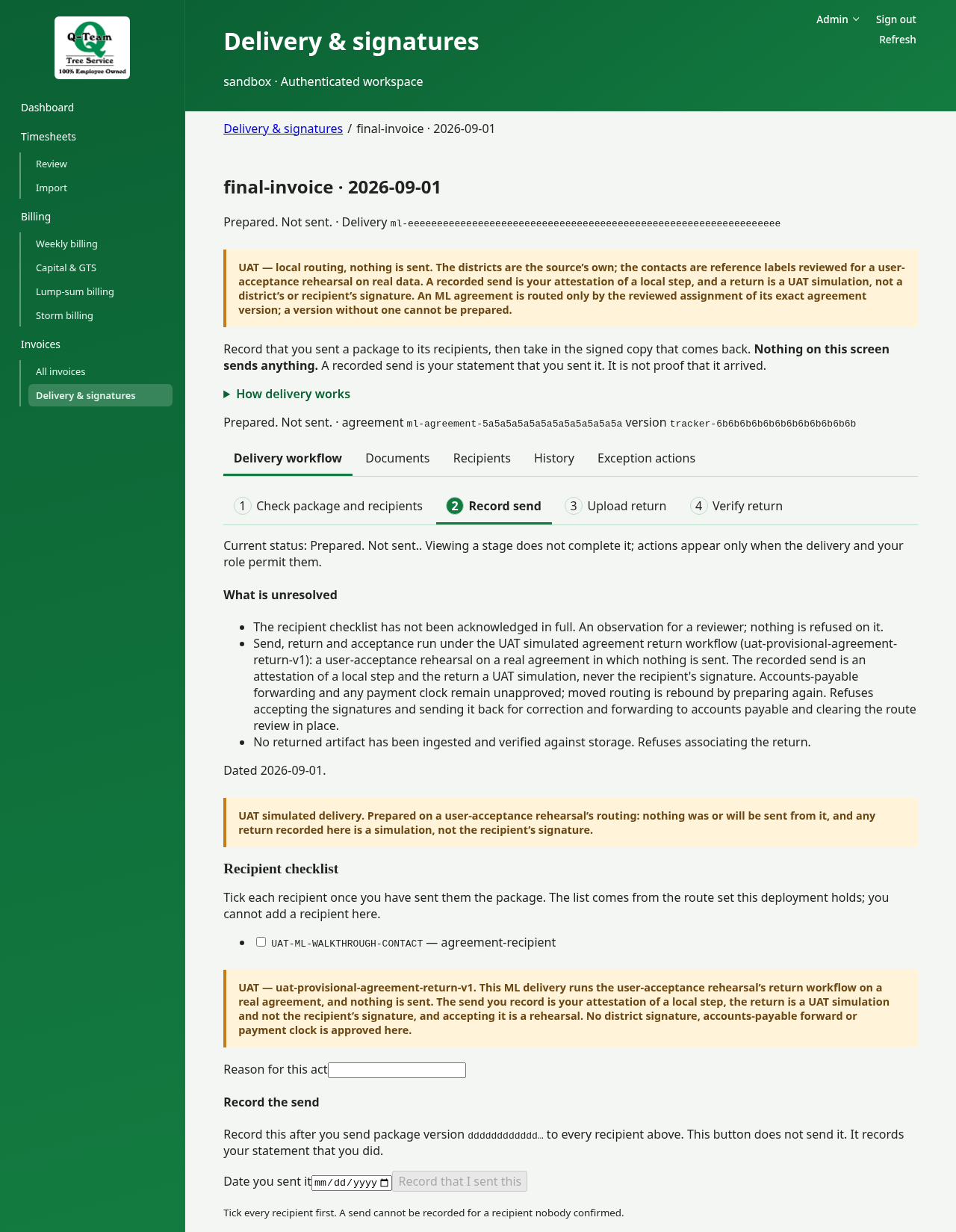
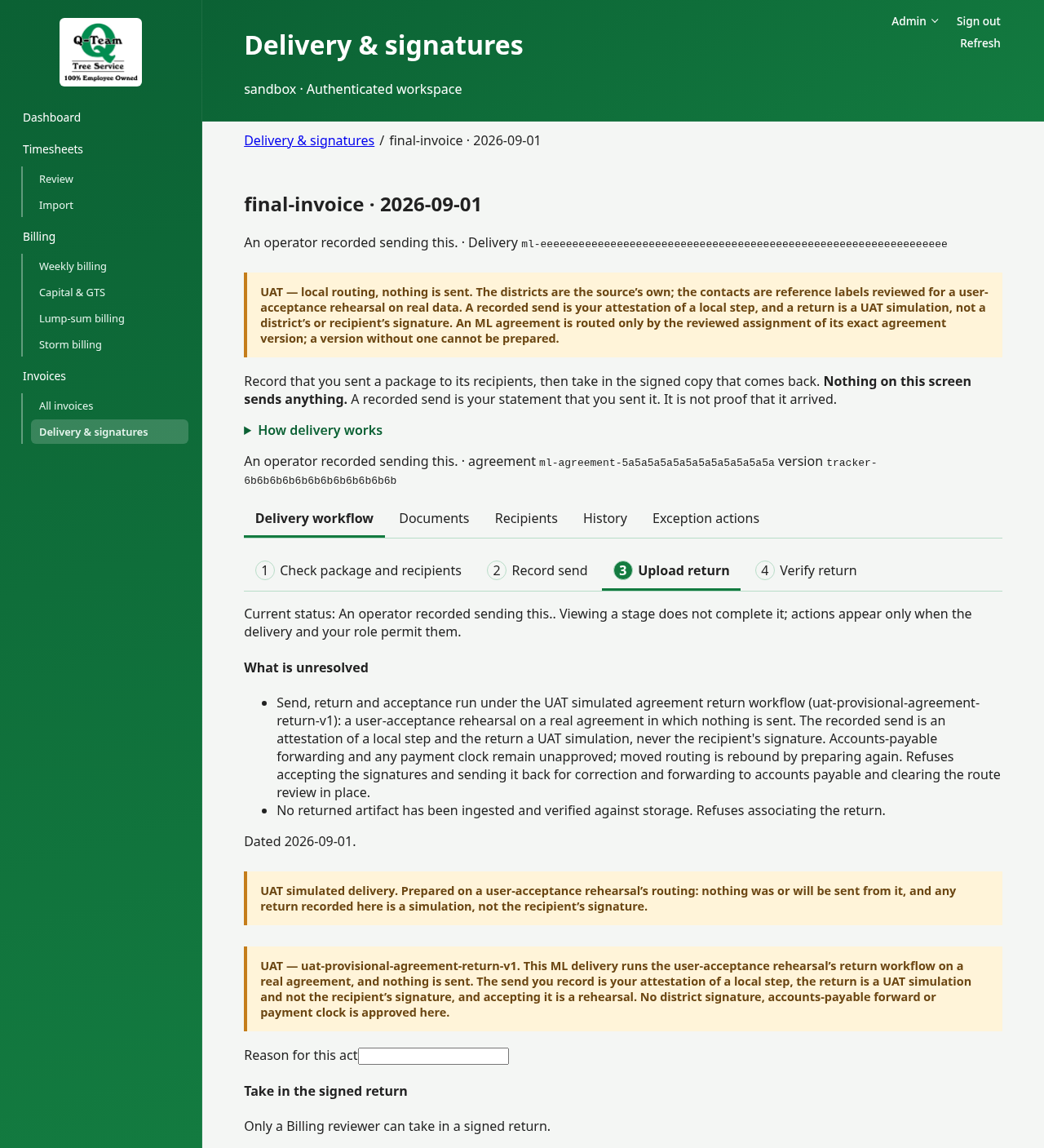
Use Delivery workflow for the applicable stages: Check package and recipients → Record send → Upload return → Verify return → Record forward. Agreement deliveries do not use district signatures or accounts-payable forwarding; stages depend on the route supplied to this environment. Looking at a stage does not complete it.
Documents, Recipients and History are separate views of the same delivery. Exception actions contains route review, replacement and correction actions. Warnings and unresolved requirements remain visible across views. Switching views keeps entered values; refresh reads the stored delivery again.
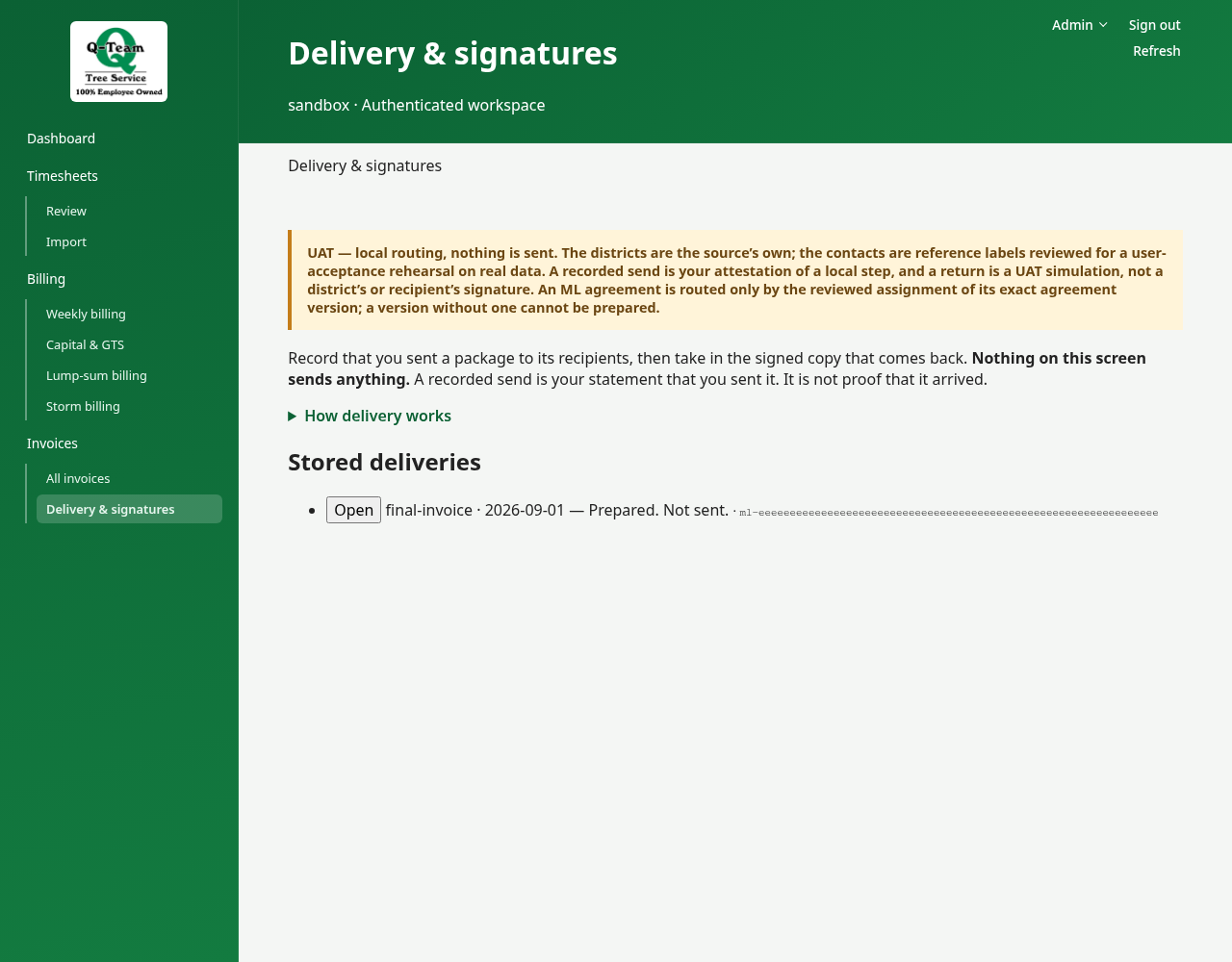
Check the handoff
- From the issued package, choose Prepare delivery, then Open prepared deliveries. Or open a delivery already in the list.
- Check the package version and who should receive it.
- Use Recipients and History to see what is done. The unresolved requirements stay visible in every view.
- Check that any signed return matches the right package and has been accepted.
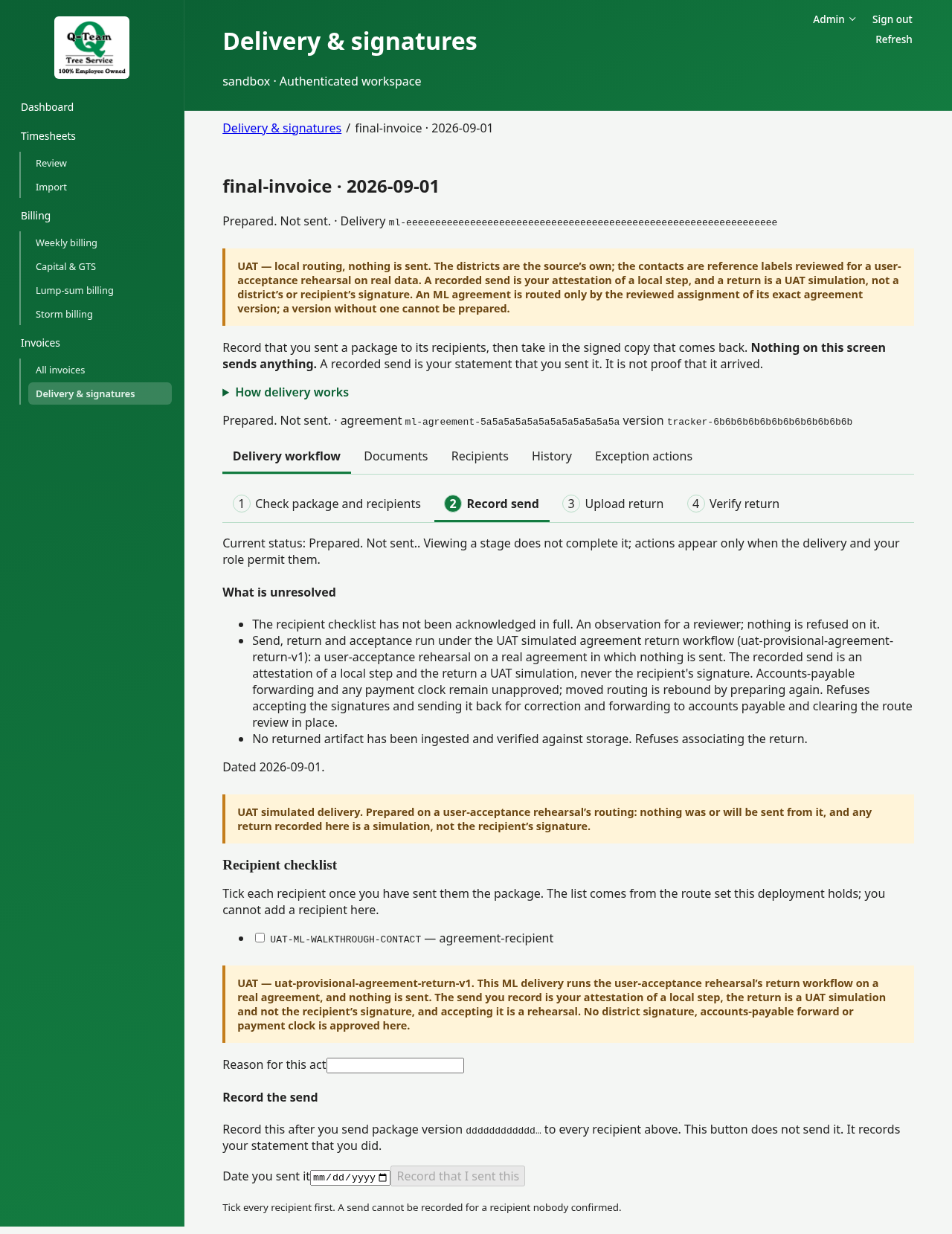
If a package changes, the old signature may no longer apply. If the recipient is missing, ask Ben or Bill to check the setup.
During practice
Use only actions marked as test simulations. Do not send files to a client or accounts payable. A test return is not a client signature.
In normal use, sending takes place outside the app and is then recorded here. Prepare delivery does not send anything.
Routes for different work
Capital and weekly work use the route set for their district. A weekly package covering several districts may be held until its route is settled.
ML uses the route for the agreement version in the package.
Storm weekly support has its own district return. The final storm bill goes through a separate review and acceptance step.
In live billing, forwarding to accounts payable is also a separate step after the required checks.