Appearance
Find imported timesheets
Timesheets → Import
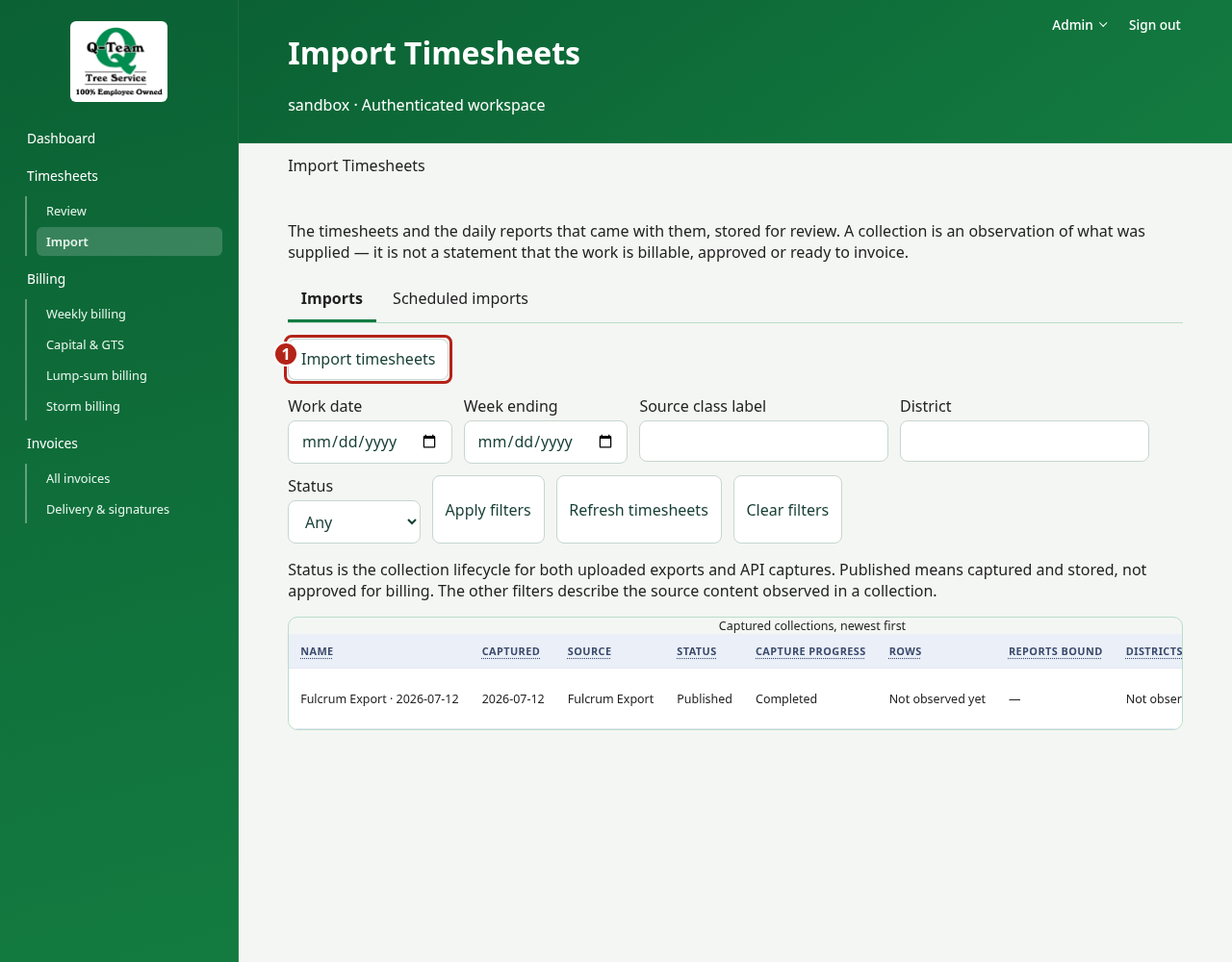
Use Imports to find batches and Scheduled imports to monitor the configured schedule. Monitoring does not enable a schedule.
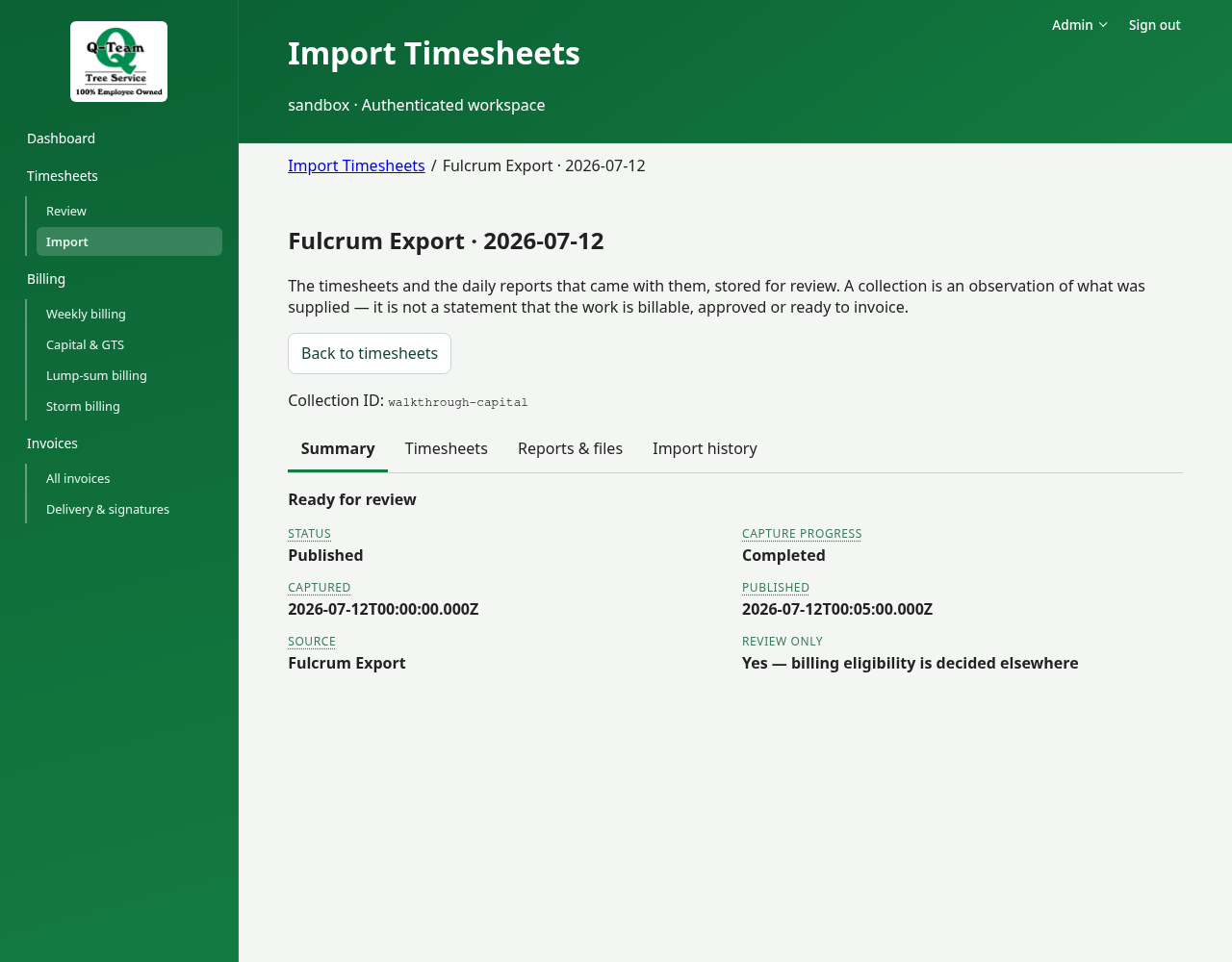
A collection is a batch of imported records. It can hold many dates, jobs and categories. It is not an invoice.
Open a collection
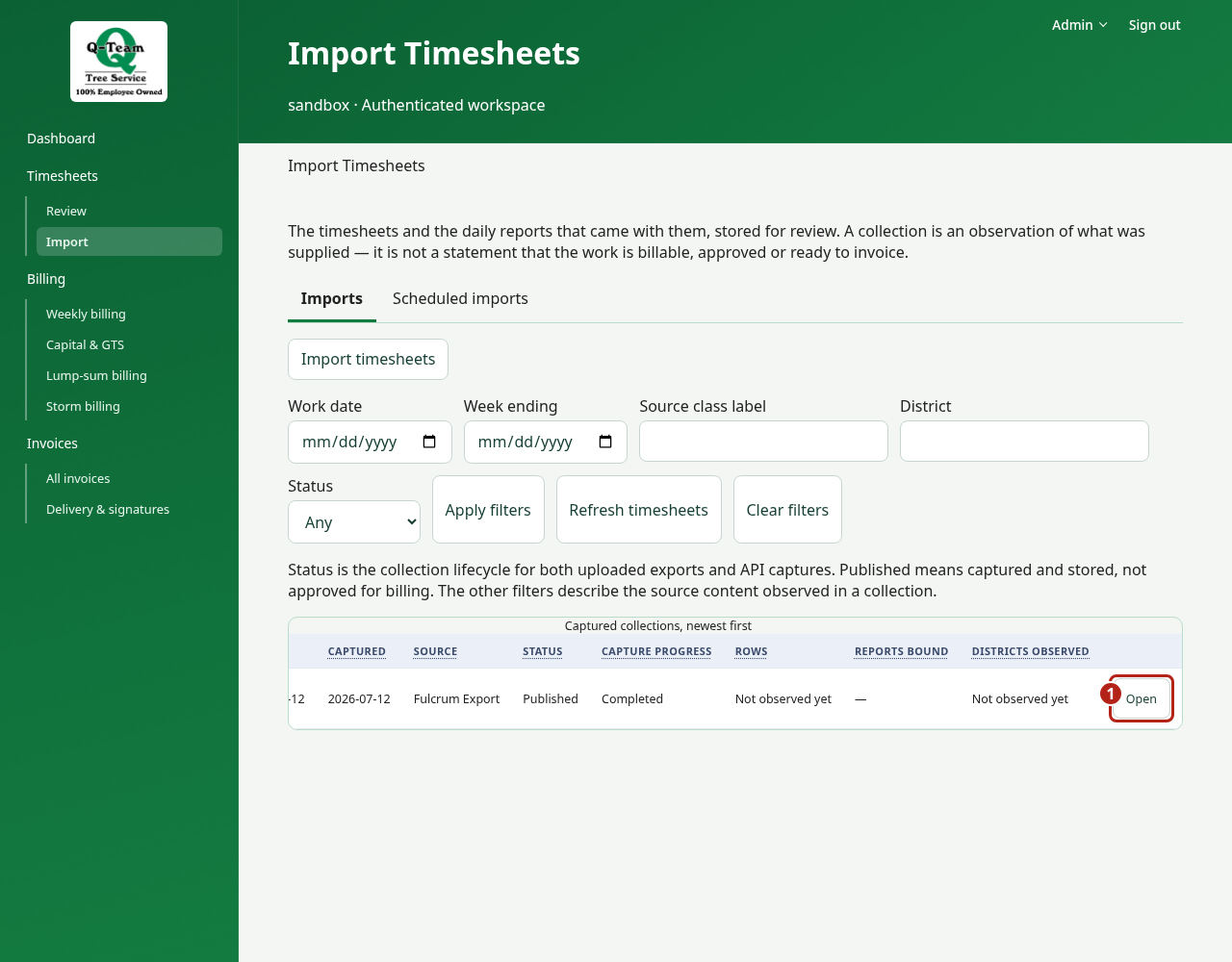
- Find it in the list. Scroll the table right if needed, then choose Open on that row.
- Check its name, dates and source details in Summary.
- Open Timesheets, then inspect a timesheet’s labor, equipment and work quantities.
- Use Reports & files for stored downloads and Import history for capture notes and comparisons. For a Fulcrum API import, open Timesheets → What changed in Fulcrum to see which timesheets changed since earlier imports. A changed timesheet still needs review.
- Go to Timesheets → Review to check how the app uses those values.
If two batches have the same name, use their dates and IDs to tell them apart. An import can succeed even when some links or billing facts are missing.
Add timesheets
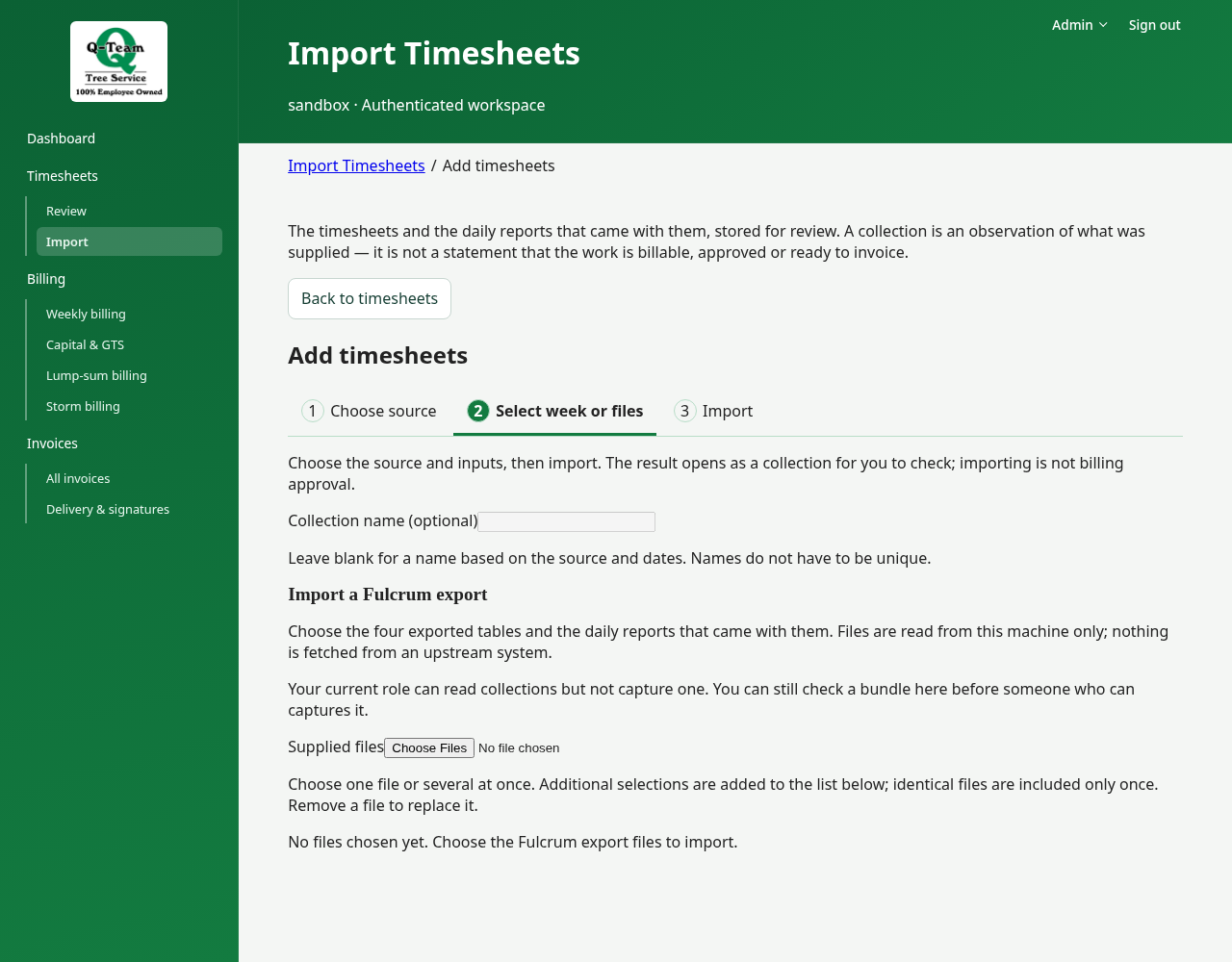
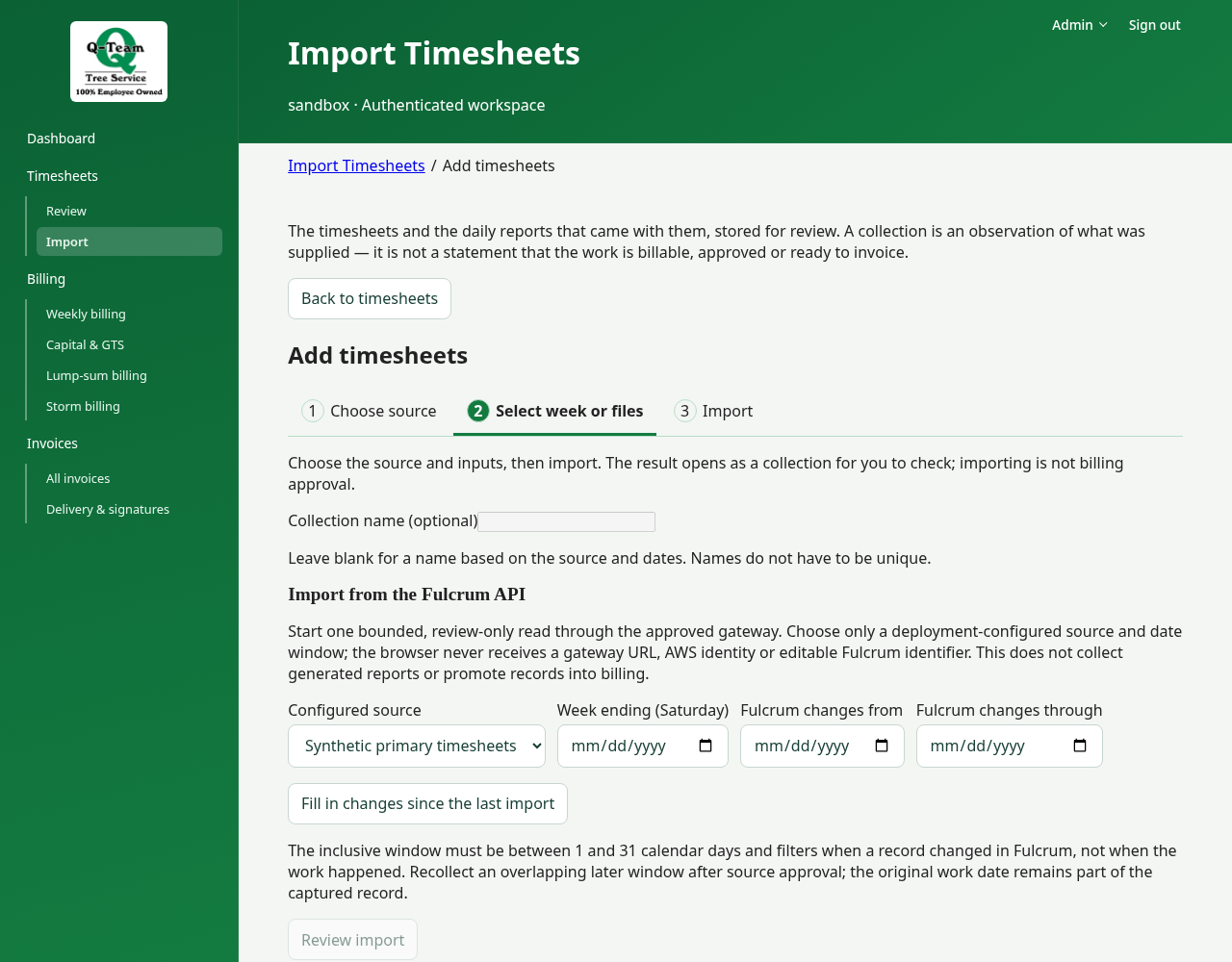
When enabled, Import timesheets opens Choose source → Select week or files → Import. Choose Fulcrum API or Fulcrum Export, enter the inputs, then choose Review import before starting the capture. The result opens as a collection to check; an incomplete API capture keeps its checkpoint controls visible in every view. Moving between stages preserves chosen files, roles and entered values. For a Fulcrum pull, choose a Week ending (Saturday), or choose Fill in changes since the last import to carry on from the last import of that source. If it names change dates no import has read, import those too. Read the result. If the action is missing, ask Ben about the import setup.
Under Scheduled imports, the Scheduled Monday import box says whether a weekly import runs on its own. If it says none is set up, Fulcrum is imported only when someone starts an import here.
For the first practice run, use an existing batch. A second capture is not a fix to the first one, or a reason to bill the same work twice.
Q-Team keeps the original records. Its billing corrections do not edit Fulcrum.